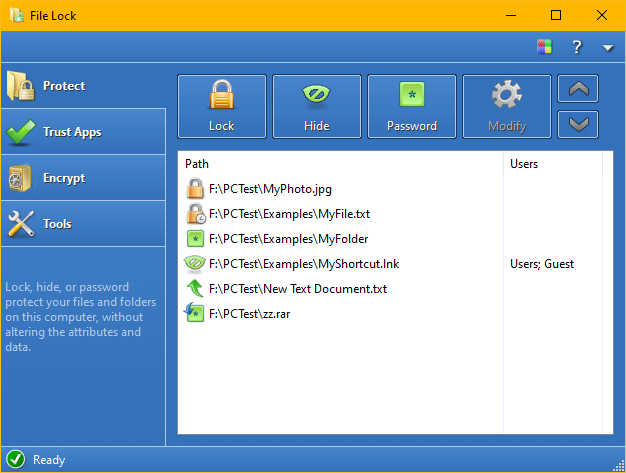
Locks your system to prevent unauthorized users from using your computer.
Do you wish to keep others away from your computer? Lock your computer with Desktop Lock to prevent unwanted access to your computer. Locking computer is only the basic feature of Desktop Lock, it also provides many other features you can use to ensure security.
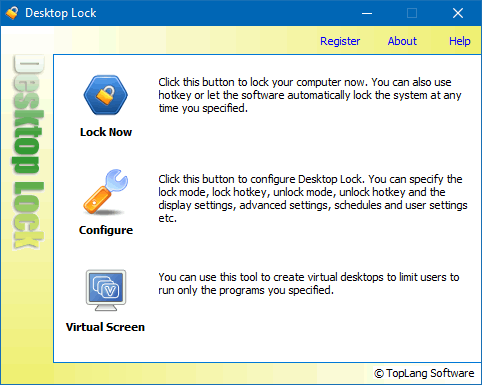
Quickly adjust monitor brightness and contrast by switching between predefined display modes.
If you use different monitor brightness and contrast for day and night, for work and gaming, or movie watching, you may currently be adjusting your monitor through its OSD menu or using software with slider bars. If you find this process annoying, it is time for a change.
With Monitor Brightness Switch (MBS), you can easily switch your monitor to predefined display modes with simple clicks. You can define these display modes according to your preferences, each tailored with specific brightness and contrast settings for various environments or situations.
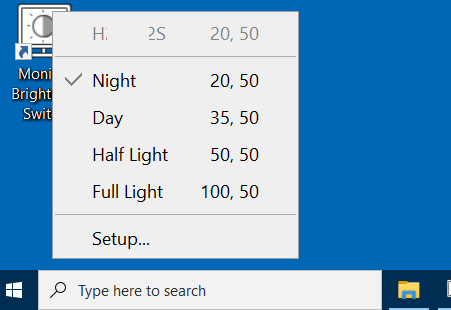
Restrict internet access, password protect internet programs, connections and websites.
With Internet Lock, you can restrict or password protect internet access, schedule internet access, protect internet programs on certain IP addresses, limit users to access only the websites you specify, or keep them from accessing unwanted websites.
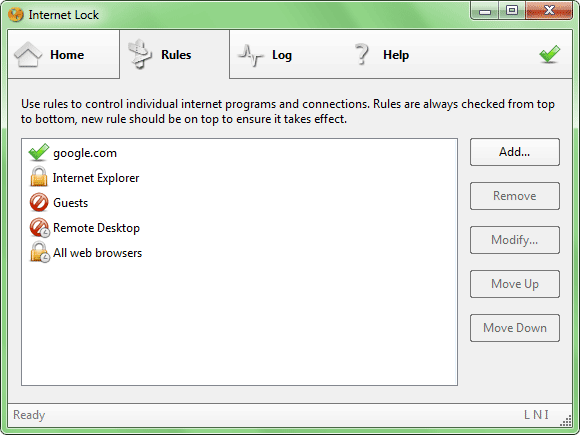
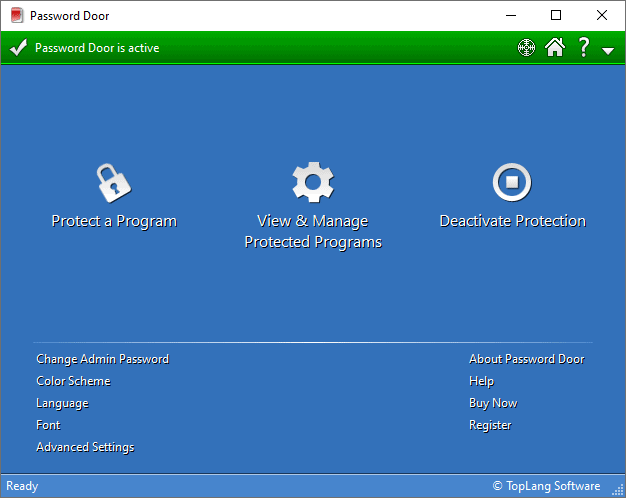
Password protect any program on your computer.
There are a lot of great software that you use frequently, and you know them well: MS-Office, WinZip, Media Player, Firefox, Chrome... You want them to be password protected so that no one can use those programs on your computer without passwords, but most of those programs have no password protection, so anyone can use them. With Password Door, you can add password protection feature to any of those programs.
The enhanced version of Desktop Lock.
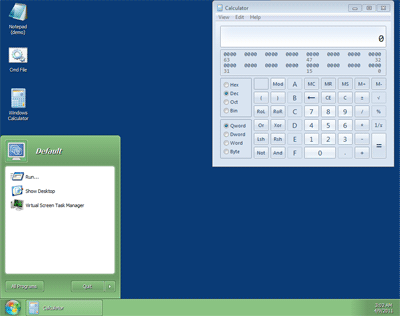
A new lock mode allows you to leave any media playing or programs running on the locked screen. A powerful Virtual Screen tool allows you to create virtual desktops with only the programs you want users to use.
Locks, hides, password protects your files and folders.
File Lock can lock your files, folders and disks to deny access, hide your files and folders to make them completely invisible, and it also can password protect your files and folders.